Free
$0forever
No card needed.
Try it on your next Zoom call.
- Go live on 2 channels at once
- 3 live hours a month
- Works with Zoom and streaming apps like OBS
- Add any other site that gives you a stream key
- See DMs and comments from 1 social account
Put your meetings, classes and webinars live on YouTube, Facebook, LinkedIn and more, all at the same time. Reach people where they already watch. No tech skills needed.
Paste a key for each channel and you're set. Not on Zoom? Streaming apps like OBS work too, and every comment and DM lands in one inbox.
Free plan: go live on 2 channels for 3 hours a month. No card needed.

 Ruth
 Ana
Grace M. Will the recording be up after?
nowDaniel O. Watching with the Wednesday group.
1mPriya N. Can you share the slides?
1m4 of 6 on
4 channels fits Standard · $50/mo
Start with StandardGoes live on
YouTube, Facebook, Instagram, LinkedIn, X, Twitch, Kick and TikTok LIVE.
Run your meeting the way you always do. Beamcast takes care of the rest.
Going live from Zoom needs a Zoom Pro plan or higher, with Custom Live Streaming Service switched on in your Zoom settings.
Your channels
Where's my key? In YouTube Studio, choose Create, then Go live, then Stream. Copy the stream key and paste it here.
Paste the stream key from YouTube, Facebook or any channel you use. For most channels you only do it once, and we show you exactly where to find each key.
Paste these into Zoom
In Zoom: More → Live on Custom Live Streaming Service
In Zoom, choose Live on Custom Live Streaming Service and paste the stream address, stream key and watch-page link Beamcast gives you. Using a streaming app like OBS instead? Paste just the address and key there.
LiveOn 3 channels at once
Zoom sends your meeting to Beamcast, and Beamcast puts it on every channel you switched on. Everyone sees you at once.
Your people are spread across YouTube, Facebook, LinkedIn and more. Stop picking just one. Show up on all of them in one go.
Main channel
YouTube
Key x7tq••••••••4hmw
LiveCommunity page
Key FB-9••••••••c2Lk
LiveCompany page
Key a91c••••••••77de
Starting@yourname
X (Twitter)
Key kq3v••••••••0pzt
LiveTikTok LIVE
TikTok LIVE
Key 5tmn••••••••r8Qa
New key neededTikTok gives you a new key for every stream. Paste today's key to join in.
Twitch
Twitch
Key live••••••••Jm2e
OffBuilt for coaches, churches, teams and small businesses. No TV studio required.
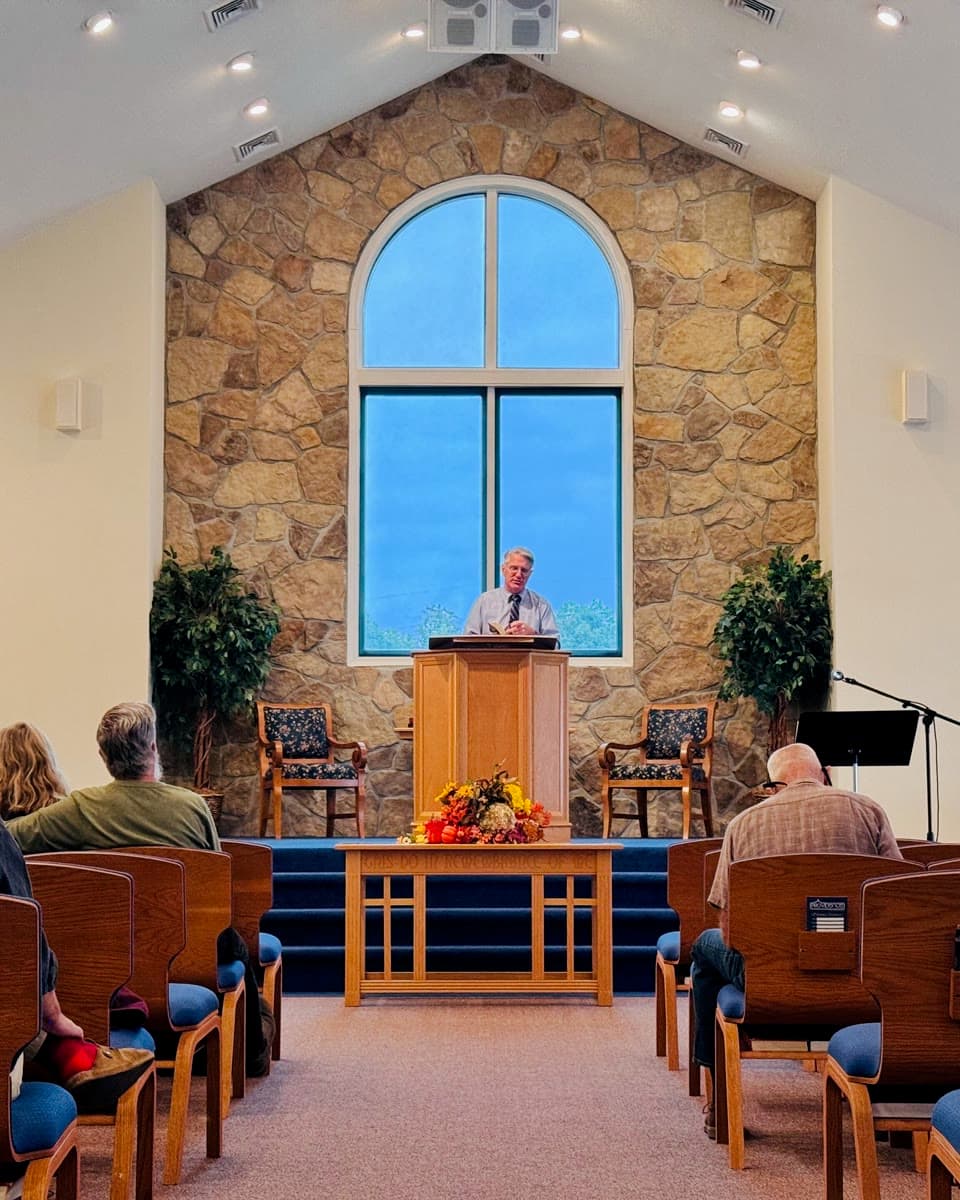
Sunday service on YouTube and Facebook, while the prayer group stays together on Zoom.

Coach the people on the call and reach the followers who never join it.

Teach on Zoom. Everyone else watches on the channel they already follow.

Demos, launches and Q&As, live where your customers already scroll.
No tech person, no extra gear, no new software to learn. Paste a key for each channel and you're ready. We show you where every key lives.
People in the meeting see and hear you as usual. Everyone else watches on the channels they already follow, with nothing to download.
Your stream keys are locked away the moment you save them and never shown in full. Remove a channel whenever you like.
Will the recording be up after?
Can I share this with my group?
Is part two next week?
Will the slides be shared after?
Loved the Q&A. When's the next one?
Grace M.
YouTube · CommentReplied on YouTube
Questions pour in from everywhere while you're live. See them all in one place and reply without opening five apps.
Free shows you messages from 1 social account. Standard and Professional let you reply right from the inbox, with up to 5 or 25 accounts.
Every plan lets you go live everywhere and keeps your messages in one place. Upgrade for more channels, more hours and replies. Prices in US dollars.
Pay yearly and save up to 19%
$0forever
No card needed.
Try it on your next Zoom call.
$50/ month
Paid monthly, plus any tax. Cancel anytime.
For weekly shows, classes and services.
$97/ month
Paid monthly, plus any tax. Cancel anytime.
For teams and organizations that go live often.
No. If you can copy and paste, you can use Beamcast. You paste a stream key for each channel, and we show you exactly where to find it on each platform. After that, you go live from Zoom in a couple of clicks.
Start free with 2 channels and 3 live hours a month. No card needed. Upgrade when your audience grows.